

Setup Steps
Step 1: Install Duplex IPTV
Download Duplex IPTV from your device’s app store (Google Play, Amazon App Store, or Apple App Store).
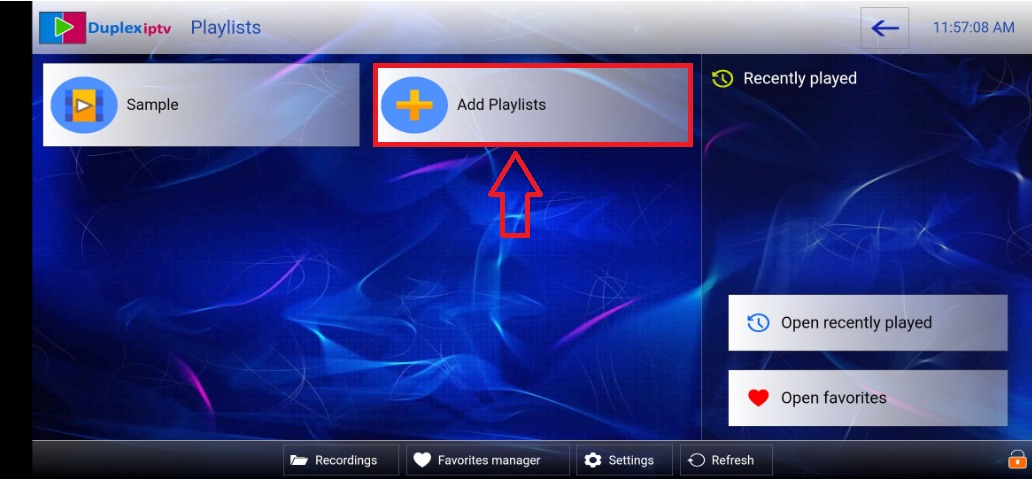
Step 2: Activate Device
Open the app and note the Device ID and Key shown on screen.
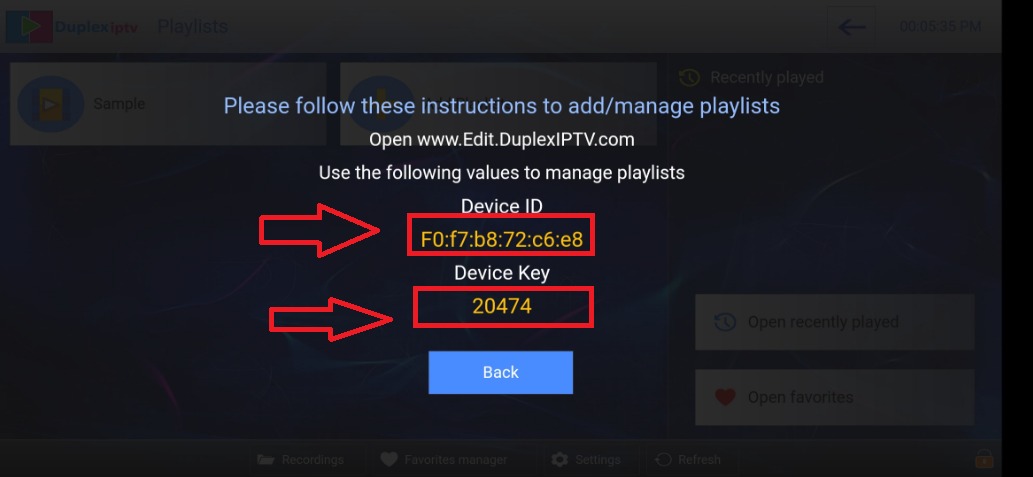
Step 3: Link Your Device
Visit https://play.duplexplay.com on your computer. Enter the Device ID and Activation Key.
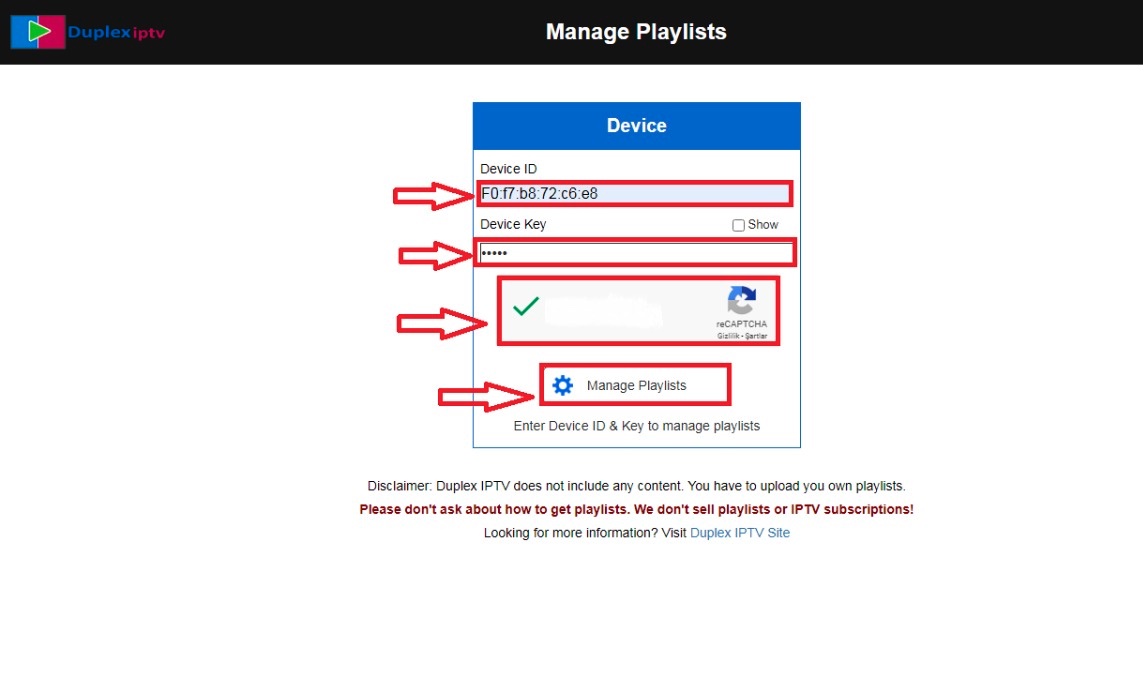
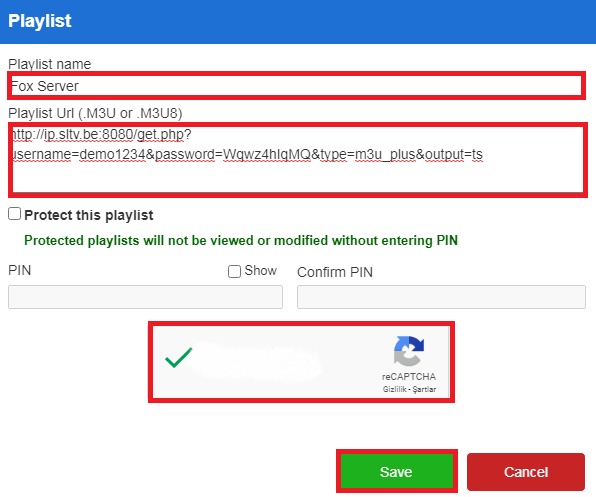
Step 4: Add Playlist
Select Xtream Codes and enter your username, password, and server URL from the World Media Server welcome email.
Step 5: Refresh App
Return to the app and refresh. Your playlist will be loaded with all channels.
Tips
- Duplex IPTV has a beautiful EPG grid view
- Supports catch-up TV on supported channels
- The portal activation link is valid for a limited time — use it promptly