

Setup Steps
Step 1: Open MyTVOnline
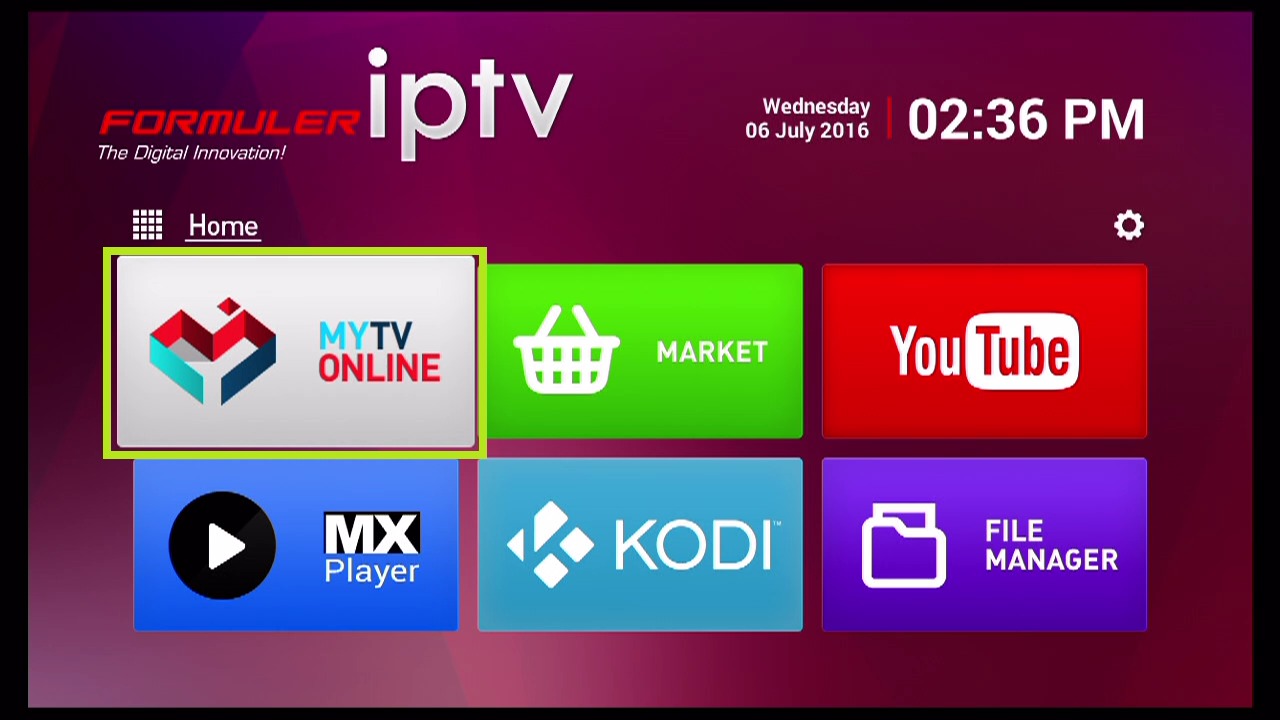
From the Formuler home screen, open the MyTVOnline or MyTVOnline2 app (pre-installed).
Step 2: Add Portal
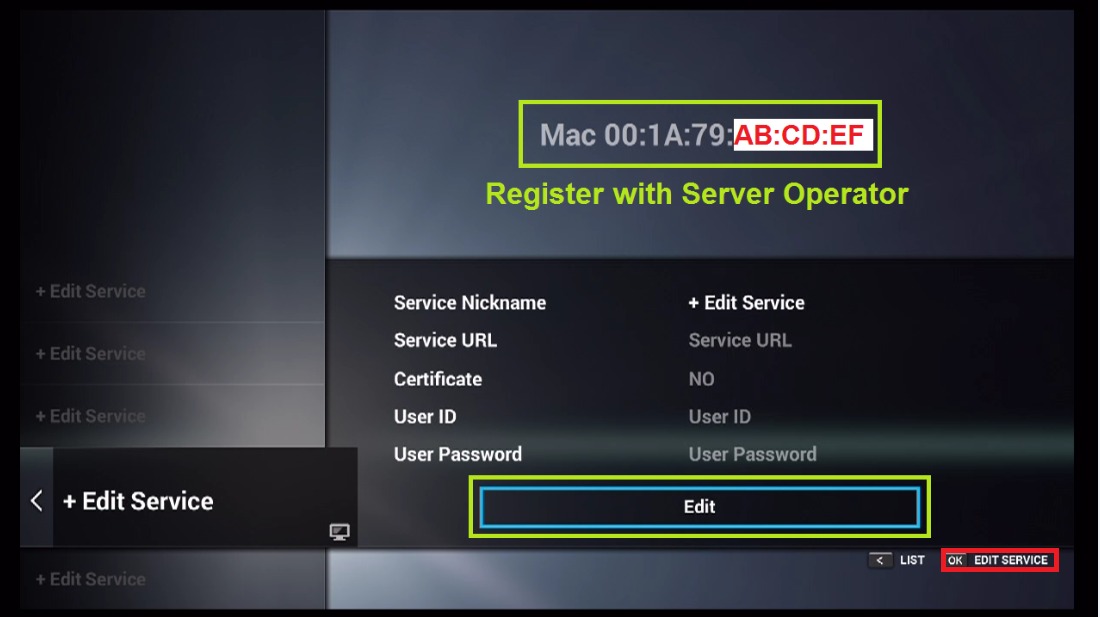
Press the menu button and select Add Portal or go to Settings → Portal.
Step 3: Enter Portal Information
Choose Stalker Portal as the portal type. Enter “World Media Server” as the nickname and paste your portal URL from your welcome email.
Step 4: Connect
Save the settings and select the portal to connect. Your channels will load automatically.
Tips
- Formuler devices support both M3U and Portal connections
- Enable Auto-start in settings to boot directly into IPTV
- MyTVOnline 2 has a more modern interface than the original version
- Ethernet connection is highly recommended for best performance