

Setup Steps
Step 1: Download GSE Smart IPTV
Install GSE Smart IPTV from the App Store (iOS) or Google Play Store (Android).
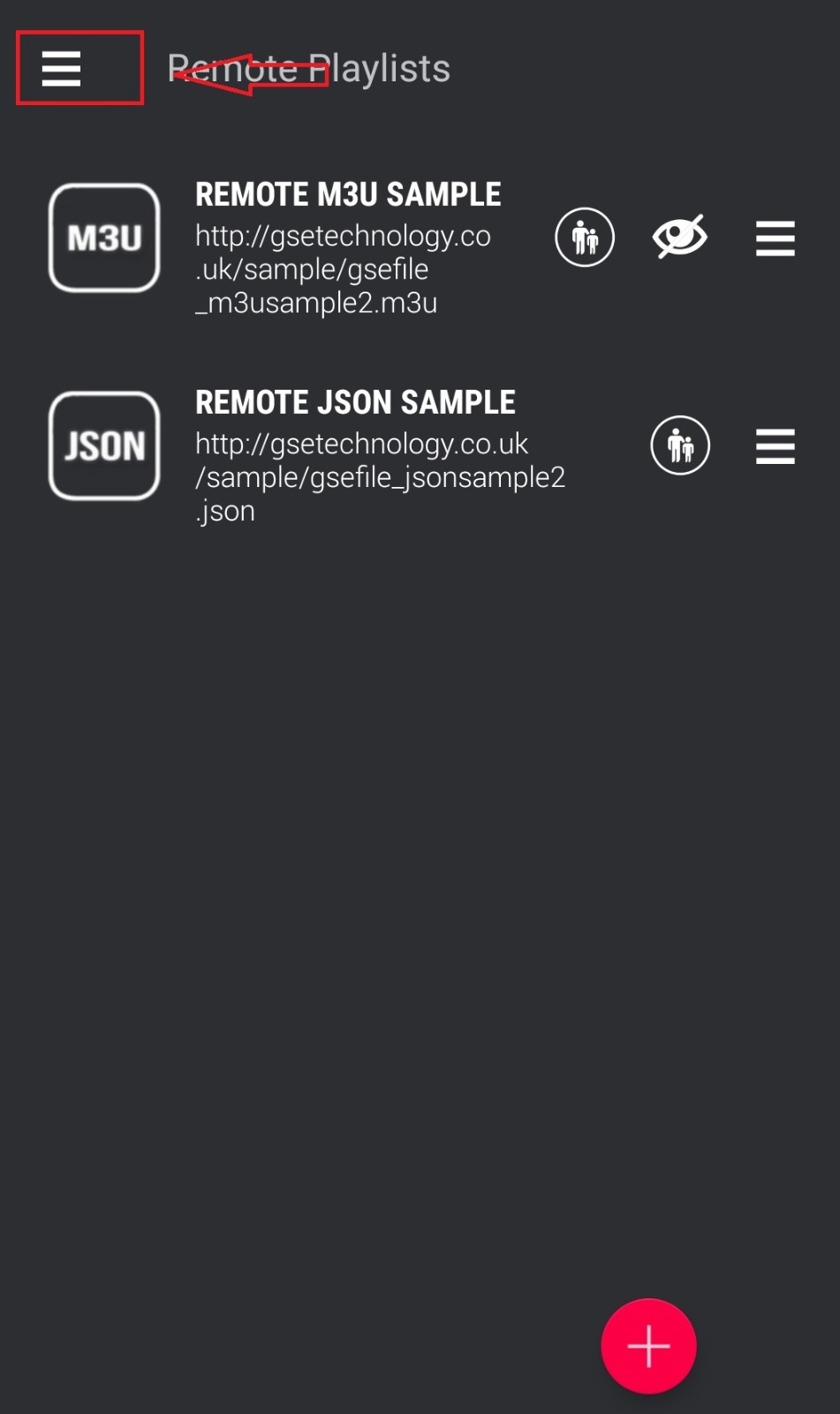
Step 2: Open Remote Playlist
Tap the hamburger menu (☰) and select Remote Playlists.
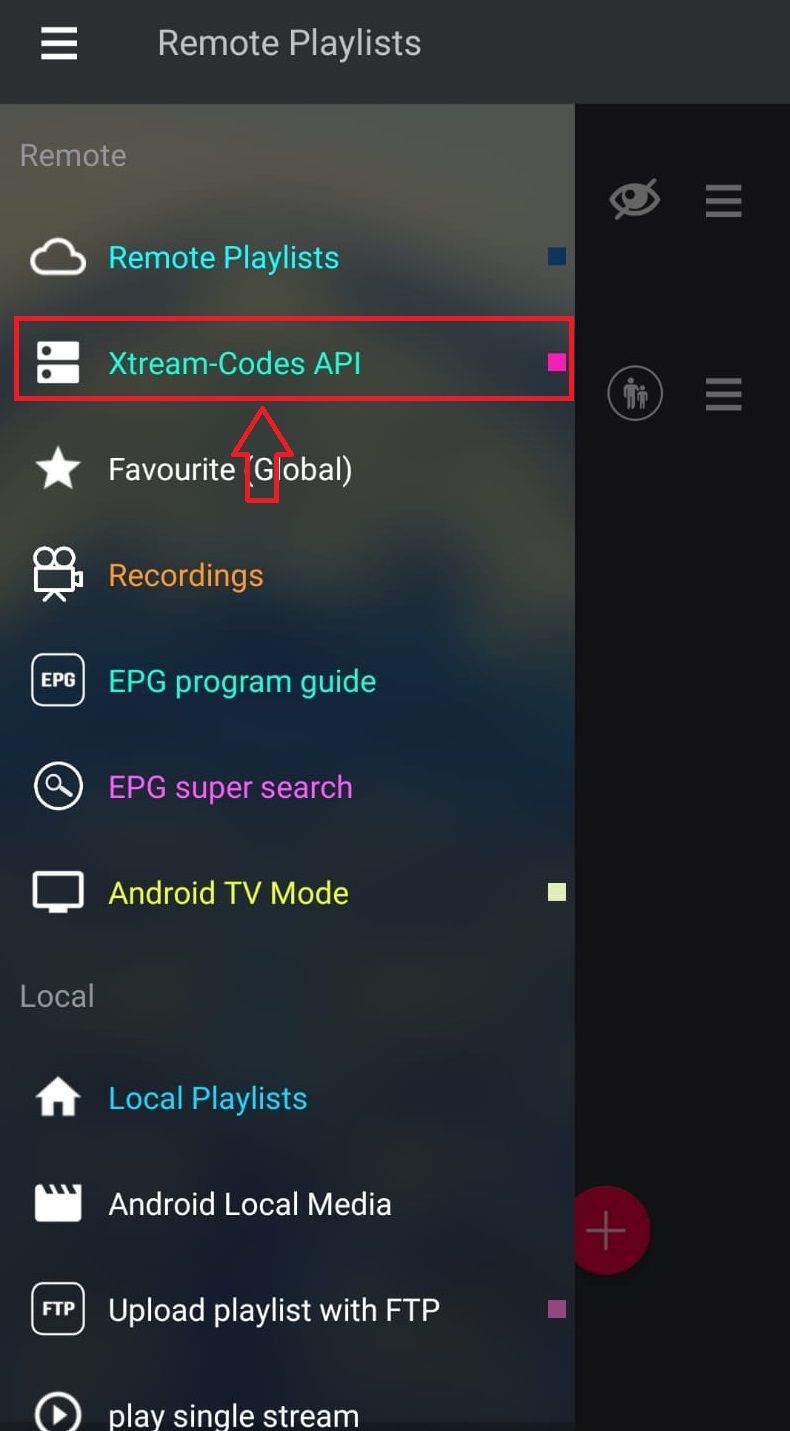
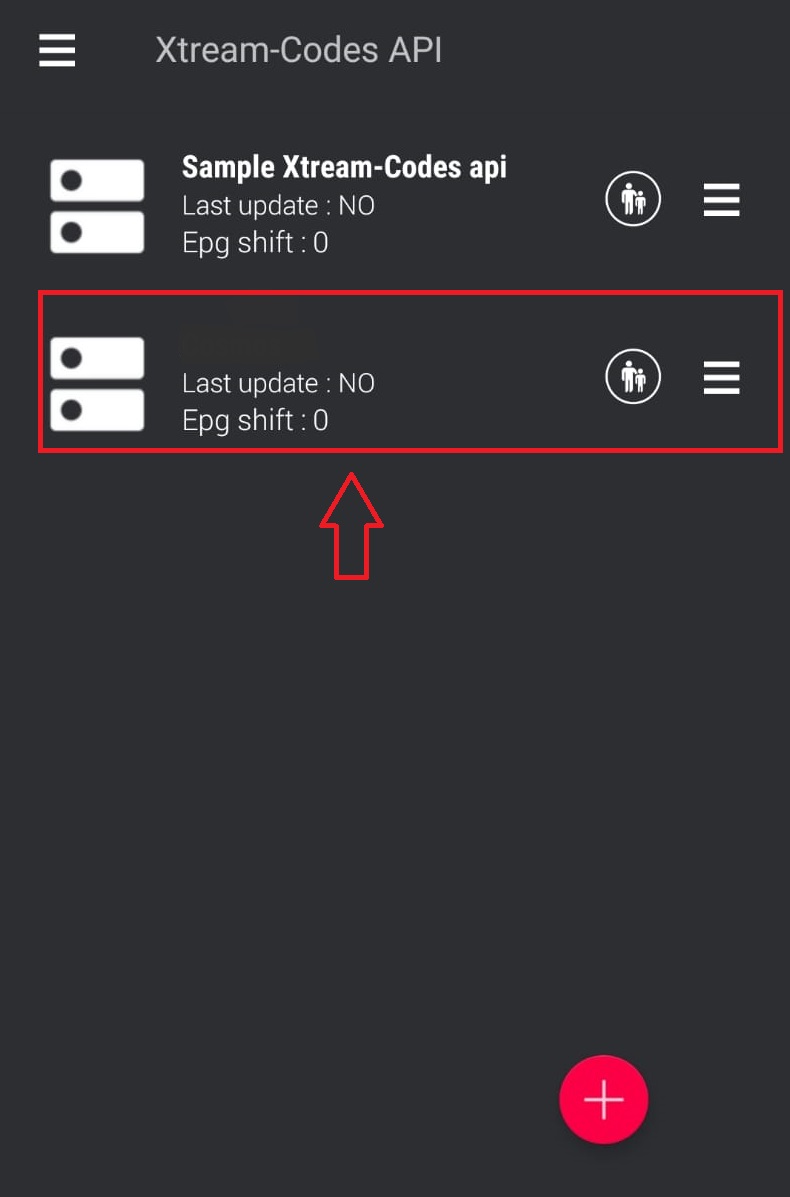
Step 3: Add Xtream Codes API
Tap the + icon and select Xtream Codes API.
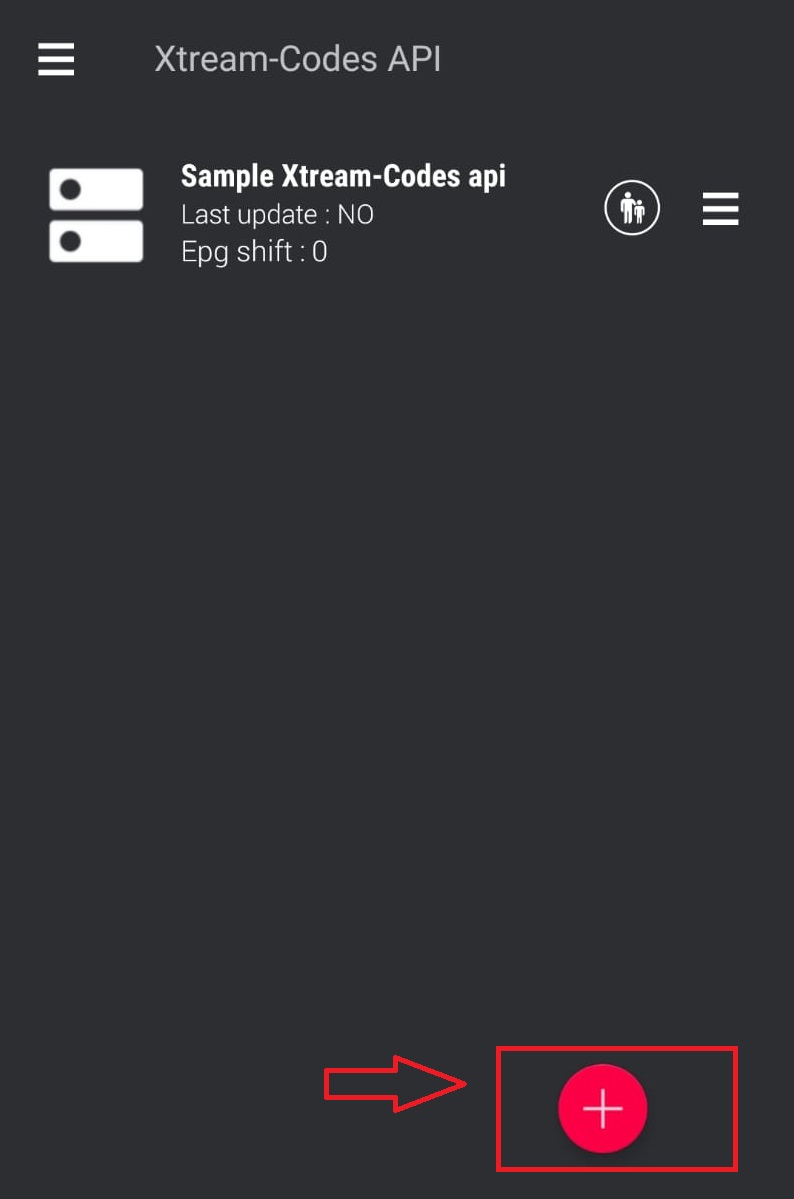
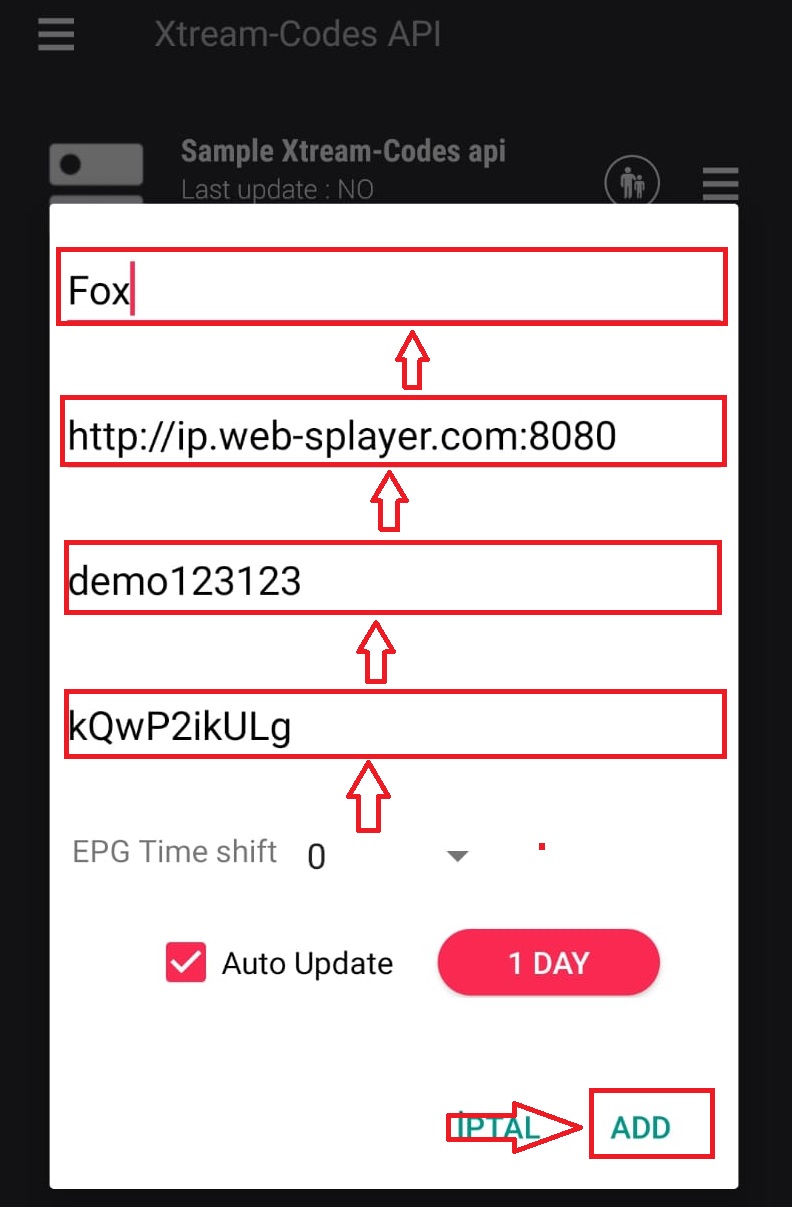
Step 4: Enter Server Details
Enter your World Media Server URL, username, and password. Give it a name like “World Media Server”.
Step 5: Load Channels
Tap to connect. The app will download your channel list and EPG data automatically.
Step 6: Start Watching
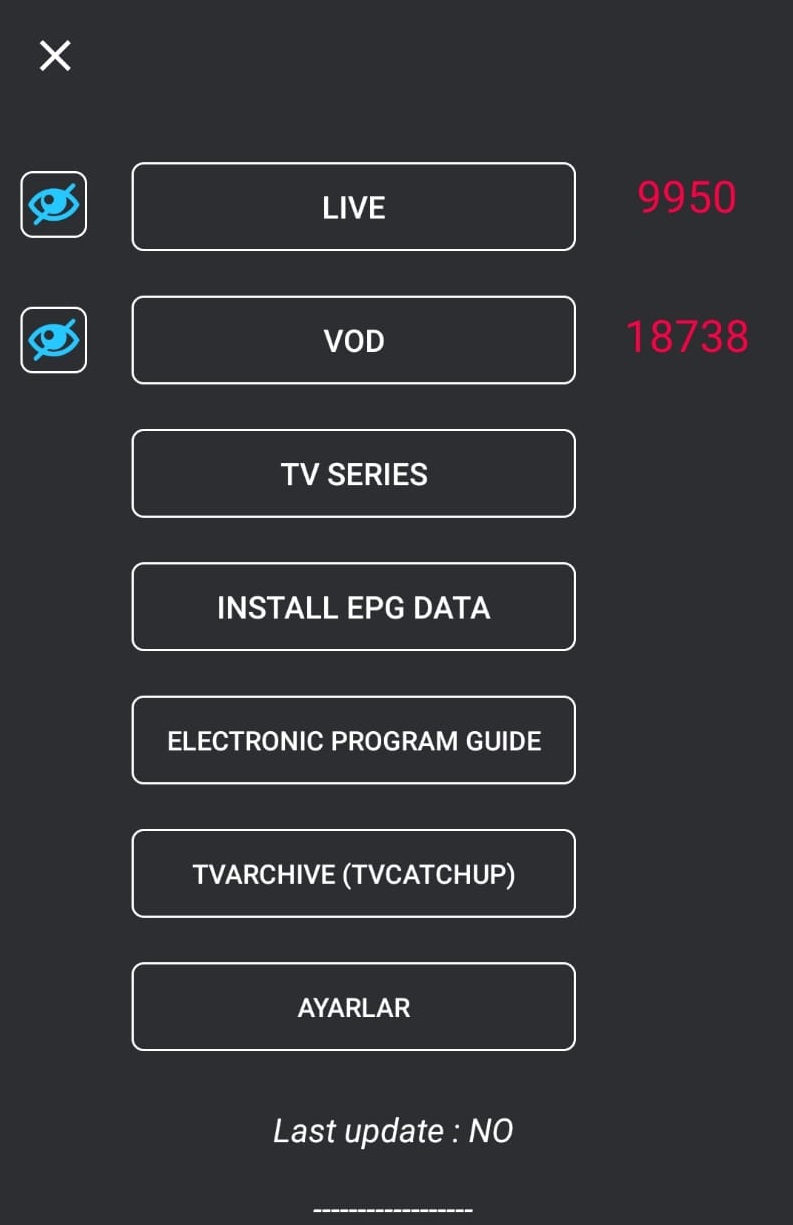
Browse your channels by category. Tap any channel to start streaming. Use the favourites feature to save preferred channels.
Tips
- GSE supports both M3U and Xtream Codes formats
- Enable hardware decoding for better performance on older devices
- iOS version includes AirPlay support for casting to Apple TV