

Setup Steps
Step 1: Download IPTV Smarters Pro
Download from the Google Play Store (Android) or Apple App Store (iOS). Search for “IPTV Smarters Pro”.
Step 2: Select Login Method
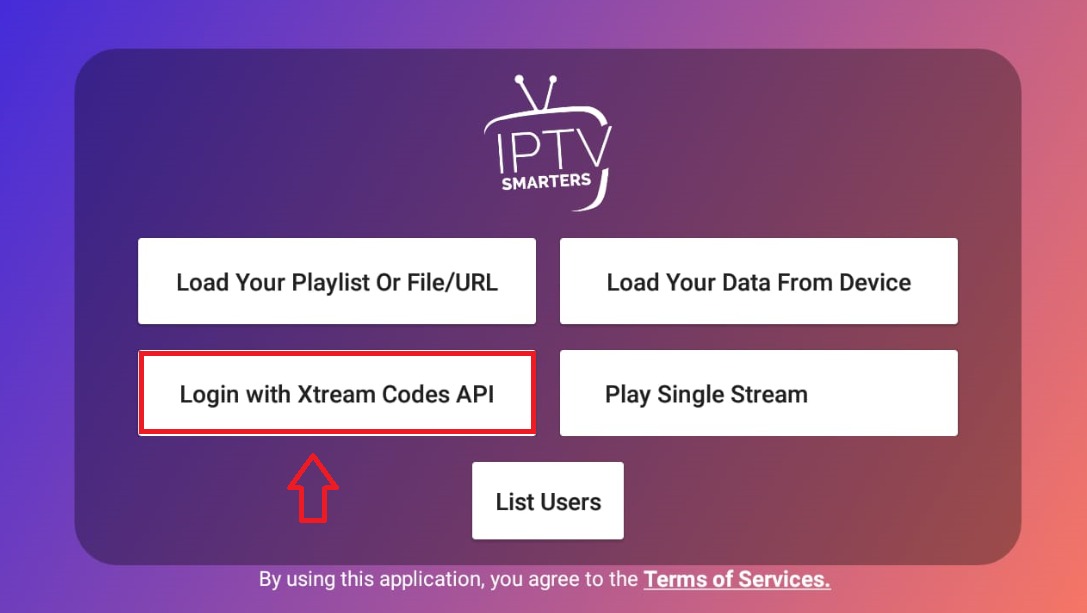
Open the app and tap Add User. Select Login with Xtream Codes API for the best experience.
Step 3: Enter Your Credentials
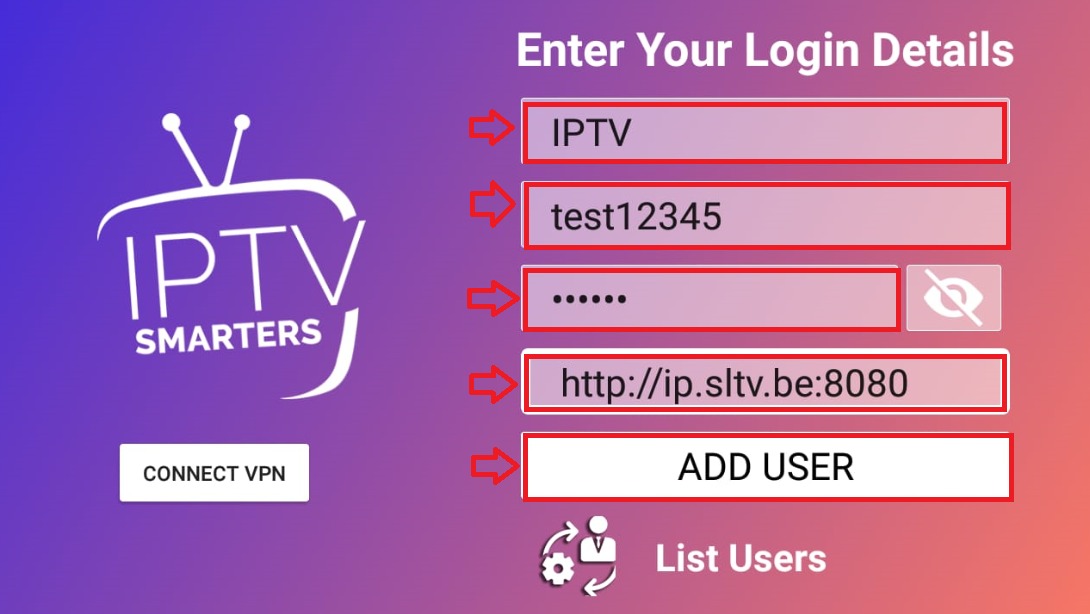
Enter the following details from your World Media Server welcome email:
- Name: World Media Server
- Username: Your username
- Password: Your password
- URL: Your server URL
Step 4: Add User
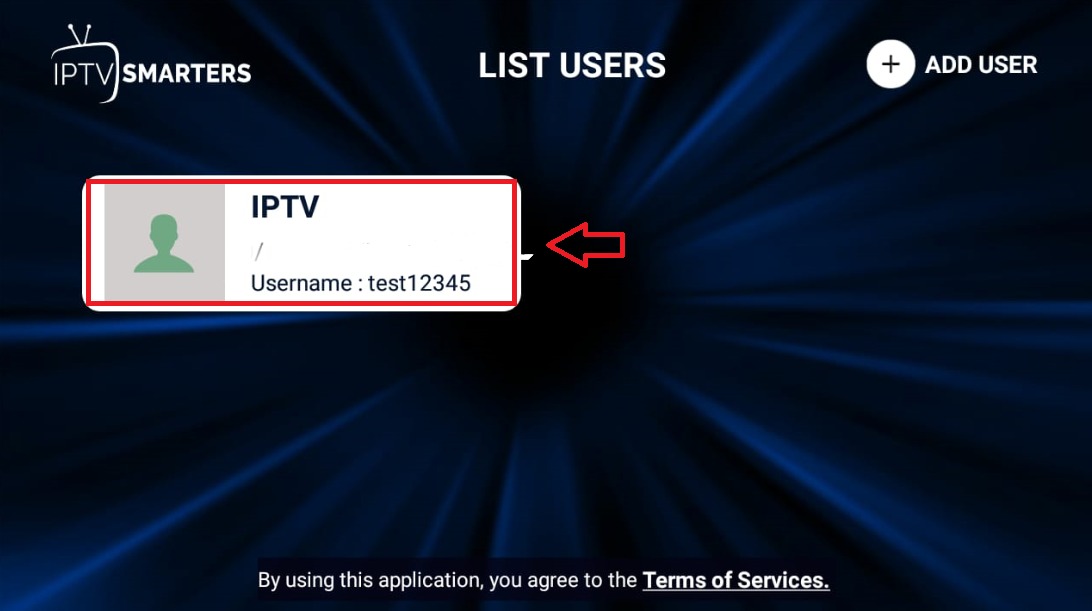
Tap Add User to confirm. The app will fetch your channels automatically within 30–60 seconds.
Step 5: Browse and Watch
Navigate through Live TV, Movies, and Series tabs. Use the EPG view for programme scheduling.
Tips
- Enable External Player in settings if built-in player has buffering issues
- Use VLC or MX Player as external players for better performance
- The app remembers your last watched channel for quick access
- Parental controls are available in Settings for family households