

Setup Steps
Step 1: Install Perfect Player
Download Perfect Player from the Google Play Store.
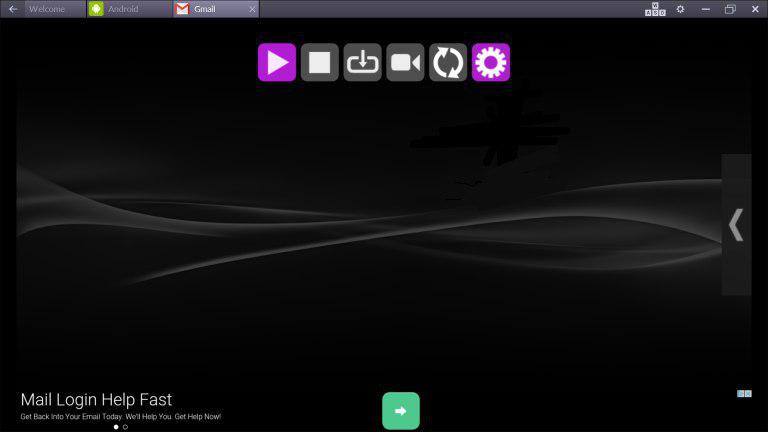
Step 2: Open Settings
Launch the app and press the menu button to access Settings.
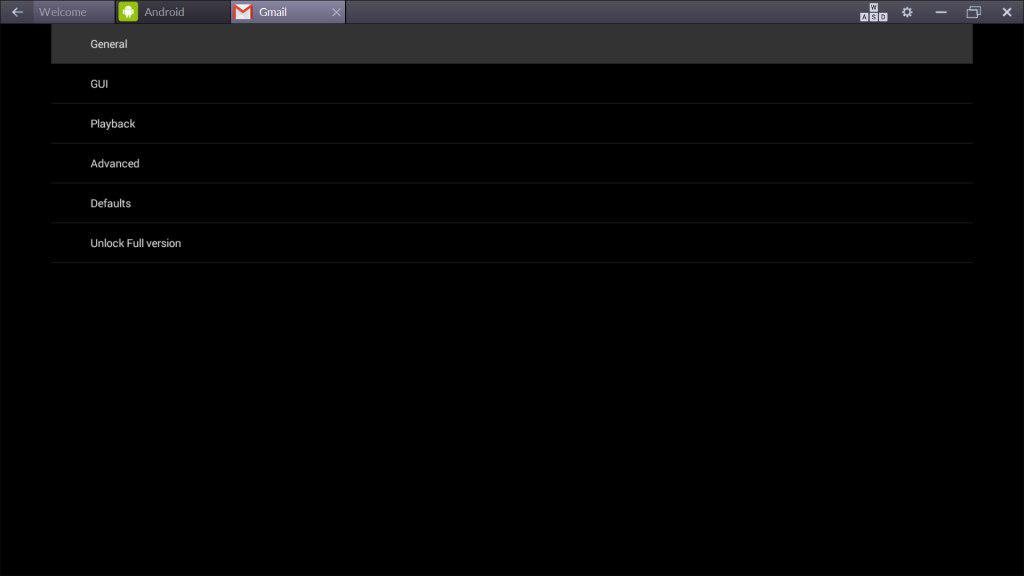
Step 3: Go to General
Select General from the settings menu.
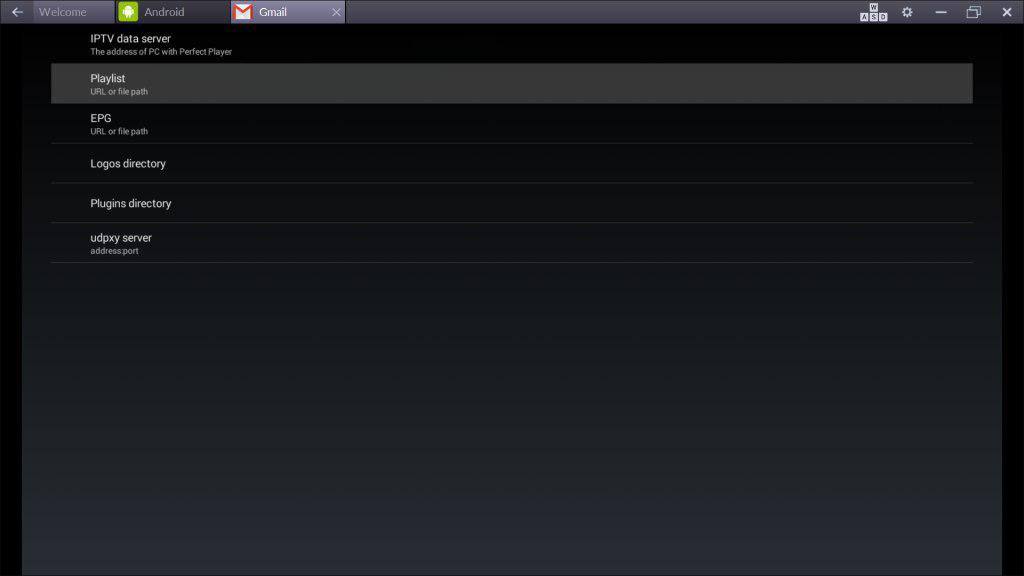
Step 4: Add Playlist
Go to Playlist. Enter your M3U URL from your World Media Server welcome email and click OK.
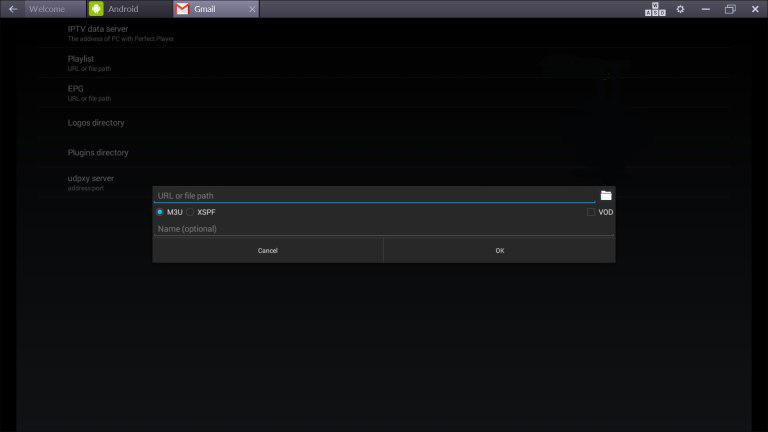
Step 5: Start Watching
Exit settings and the channels will load automatically.
Tips
- Perfect Player has a classic STB-style interface familiar to MAG box users
- Use the EPG feature for programme schedules
- Customize the channel order in settings
- Supports external video players for better hardware acceleration