

Setup Steps
Step 1: Install SS IPTV
Download SS IPTV from your TV’s app store. The app is completely free.
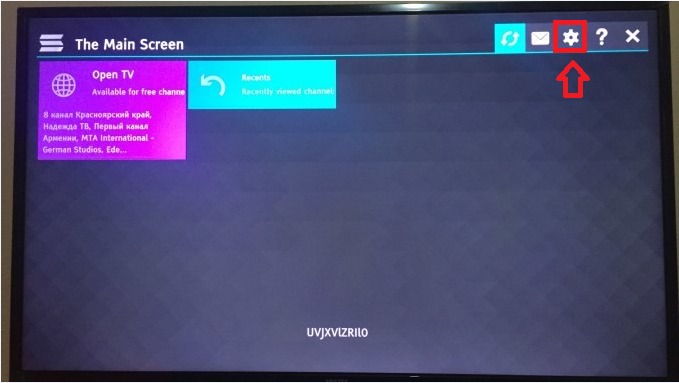
Step 2: Get Access Code
Open the app and go to Settings. Select Get Code to generate a one-time access code.
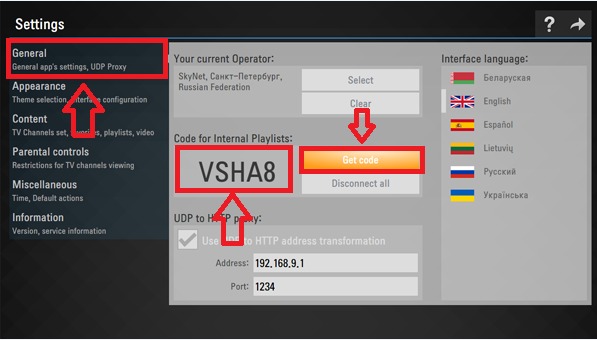
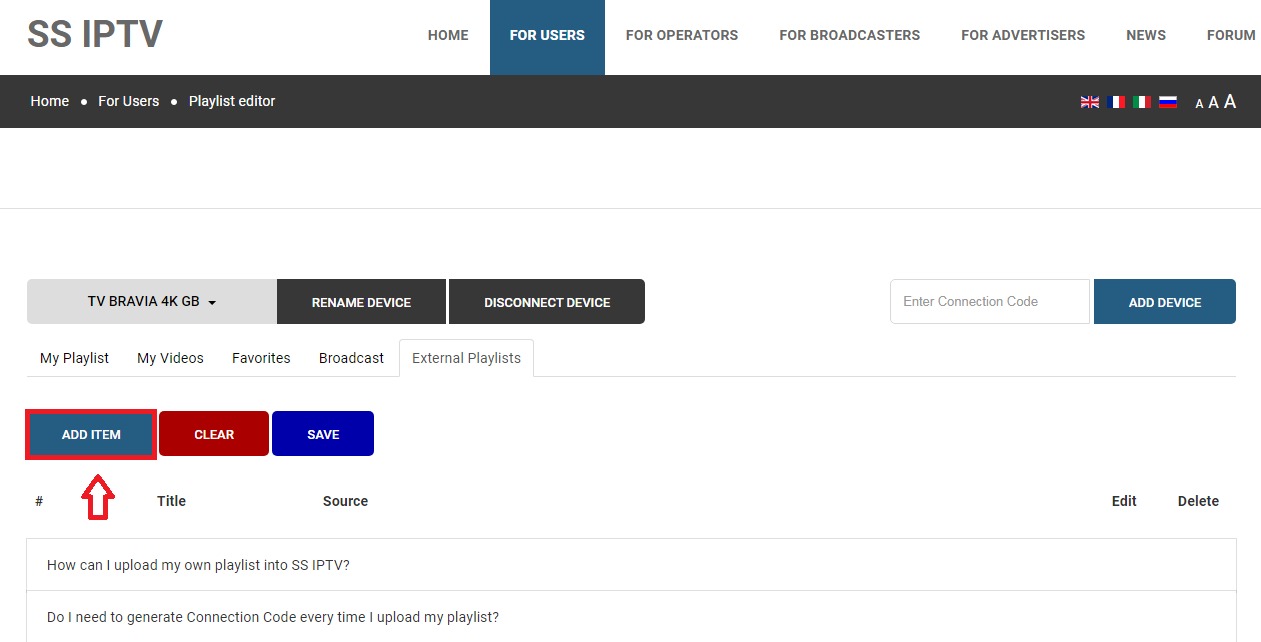
Step 3: Upload Playlist
Visit https://ss-iptv.com/users/playlist on your computer. Enter the code and your M3U URL from the World Media Server welcome email.
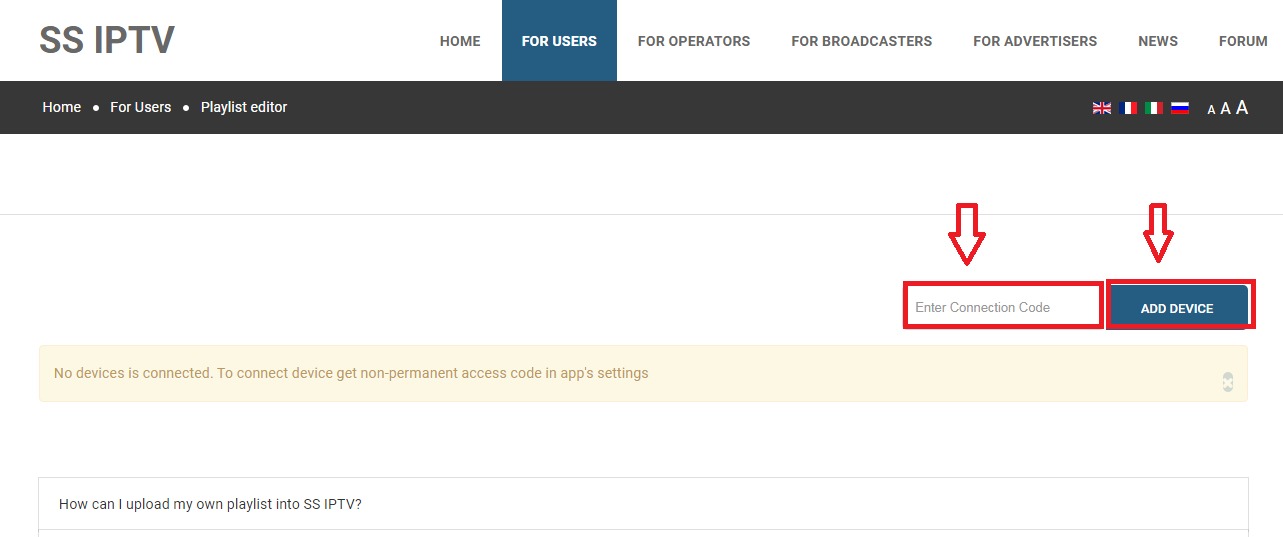
Step 4: Load Channels
Go back to the app and select External Playlists. Your channels will appear.
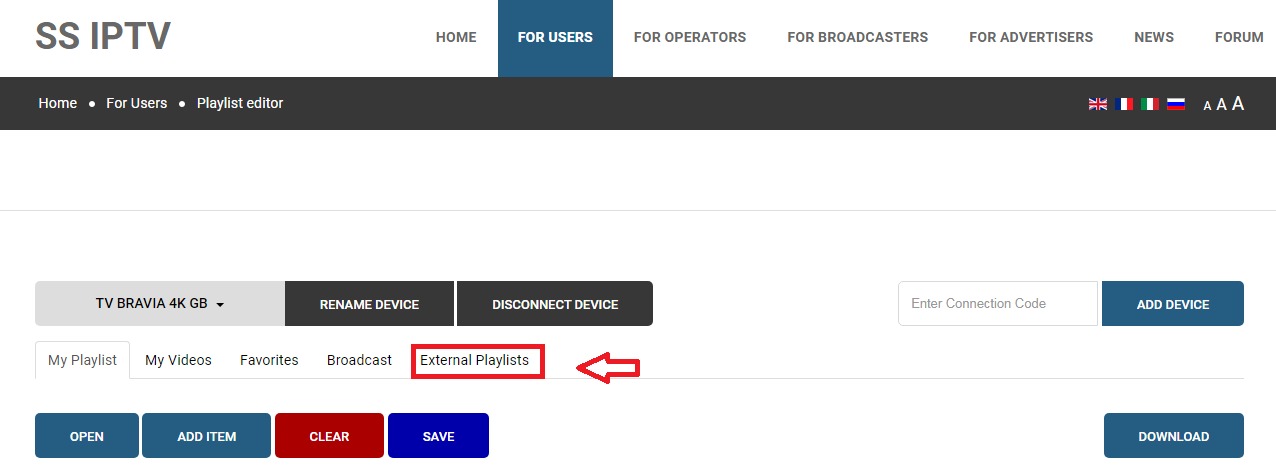
Step 5: Browse and Watch
Navigate through the channel list and select any channel to start streaming.
Tips
- SS IPTV is fully free with no hidden fees
- The access code expires after use — generate a new one if needed
- Supports channel groups and favourites
- Works on both Samsung and LG Smart TVs